
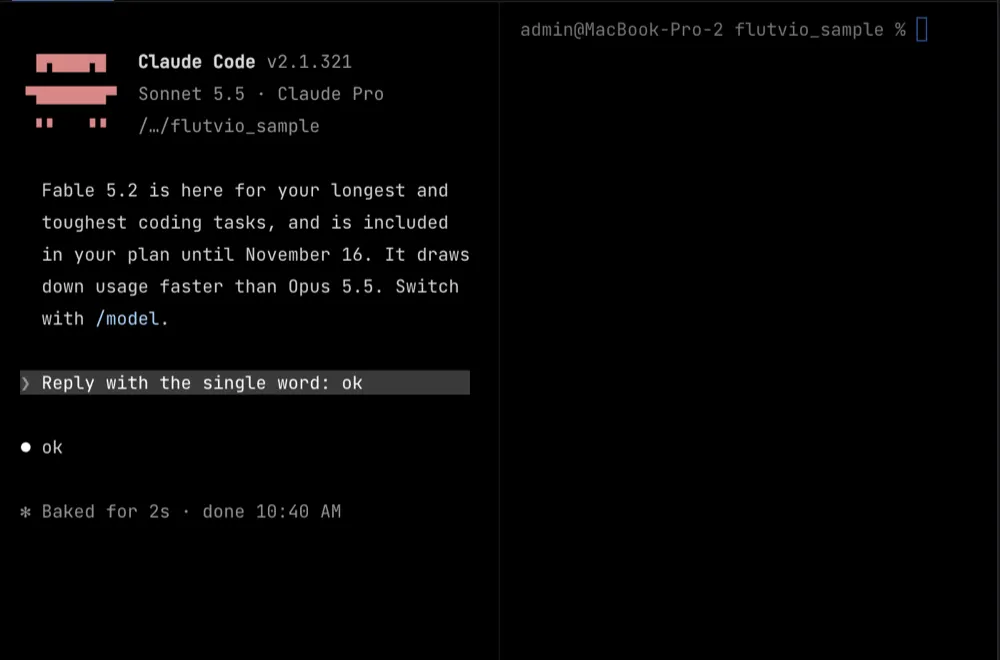
The terminal is the app
Real PTY, tabs that rename themselves after what runs in them, up to four splits, Mac editing keys that behave.
Flutvio is a terminal-first workspace for macOS. Your AI agent runs in the terminal, the iOS Simulator runs beside it, and one small command lets the agent reload, look, and tap for itself.
You’re not on a Mac right now. Flutvio runs on macOS with Apple Silicon. Send yourself the link.
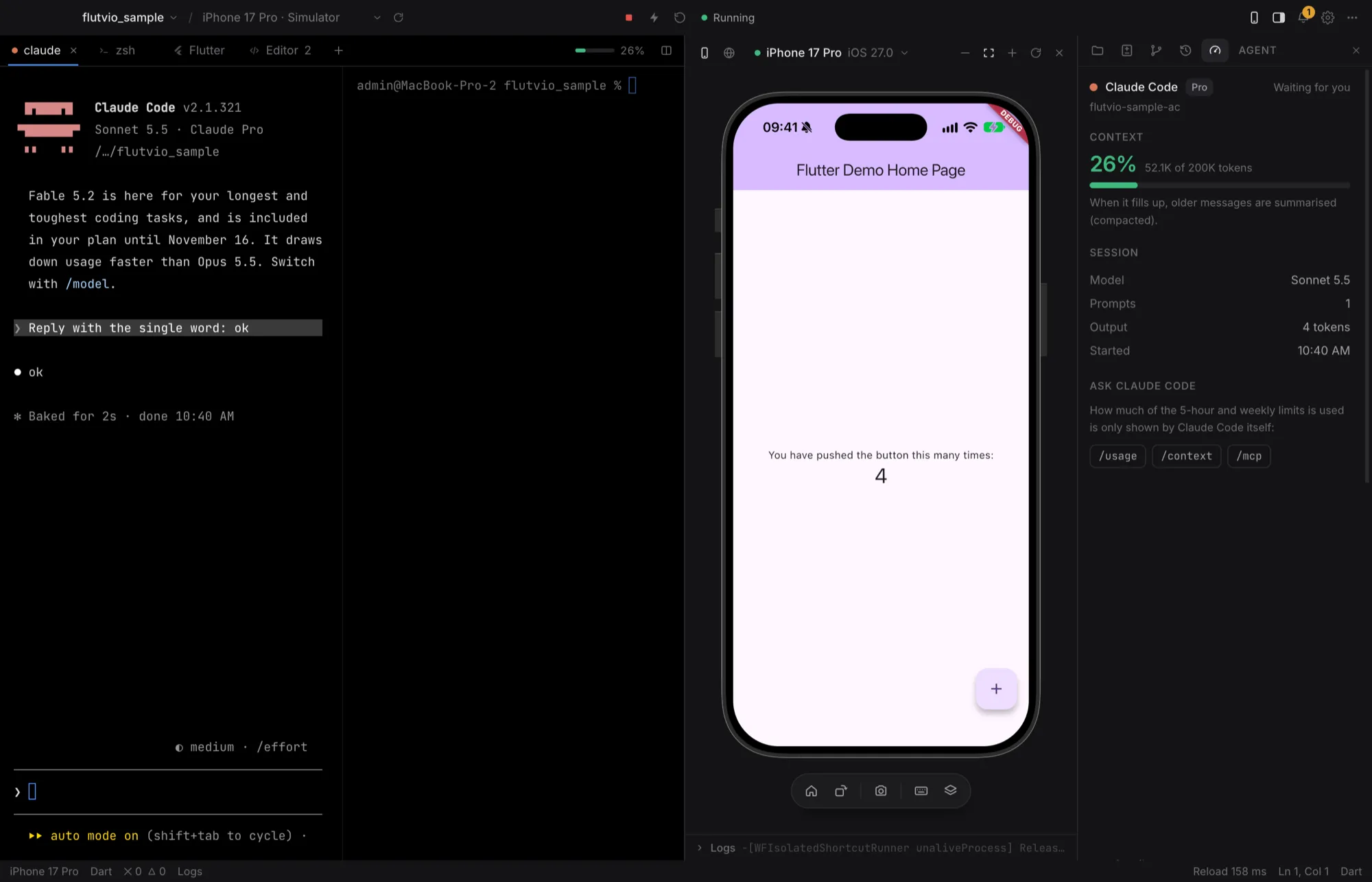
terminal · simulator · agent panel, one window
Bring the agent you already use

Haithem Nini
Maker of Flutvio
Hi, I’m Haithem.
I build Flutter apps with AI agents in the terminal. The agent was good at writing Dart, but it never saw what it wrote. Every change ended the same way: switch to the simulator, take a screenshot, paste it back, explain what looked wrong.
Flutvio started as a fix for that one loop. The terminal is the main window, the simulator sits right next to it, and a small command lets the agent look and tap for itself.
It’s free, open source, and still early. If something feels off, tell me on GitHub. I read every issue.
— Haithem
Open a Flutter project and start whatever you already use: claude, codex, gemini, opencode. Flutvio doesn’t pick one for you.
Ask for a screen, a fix, a refactor. You can watch the files change live in the Changes panel.
The agent takes a screenshot, reads what’s on screen, taps through the flow and reads the logs. Then it fixes what it sees.
…and you get a notification when it’s done.
Files, an editor, git and diffs are all there. They just don’t open until you ask for them.
Real PTY, tabs that rename themselves after what runs in them, up to four splits, Mac editing keys that behave.
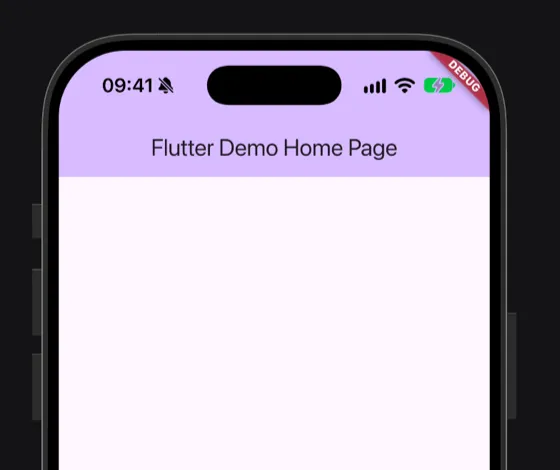
Xcode’s own iOS Simulator mirrored at 60 fps. Touch it, type into it, rotate it. Closed means nothing runs.
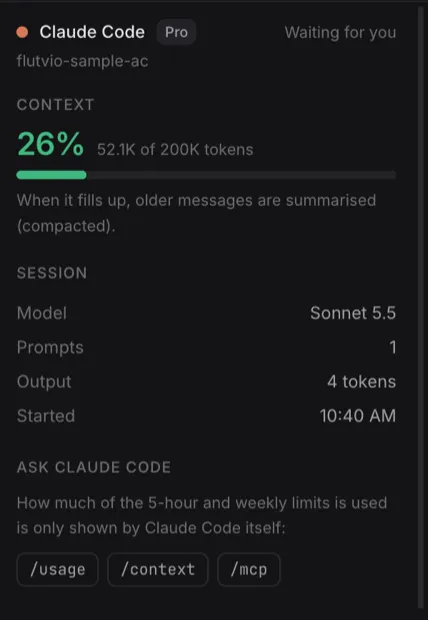
For Claude Code: context usage, model, plan, limits and the real status of every MCP server. Read from local files only.
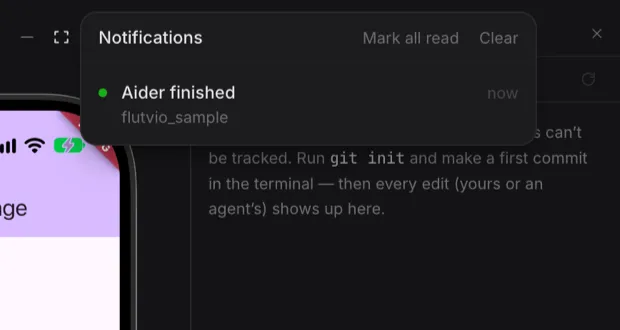
An agent finished in another tab? You get a dot, a toast, a macOS notification and a Dock badge.
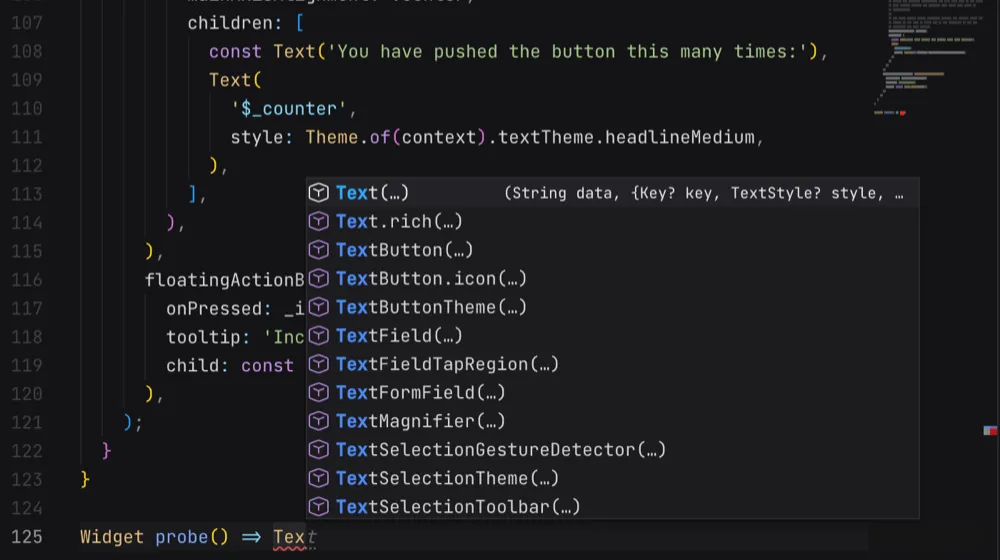
Watch every edit land as a diff. Stage, commit, branch, worktrees and GitHub pull requests through gh.
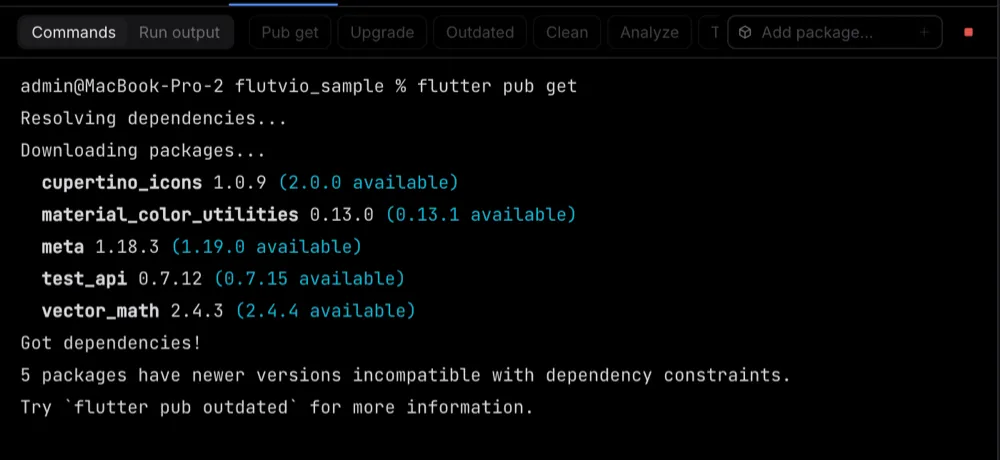
pub get, analyze, test, doctor, builds and add package in a dedicated Flutter tab, plus the running app’s output.
It’s on the PATH of every Flutvio terminal and talks to the app over 127.0.0.1 with a token that changes every launch, so it only works from inside Flutvio. One click in Settings adds a short note about it to your AGENTS.md.
Mixed Arabic and English stays in order in the terminal, the console, sessions and the simulator. Most terminals scramble it. This one was built around it from day one.
$ claude
أضف شاشة تسجيل دخول إلى تطبيق Flutter، واجعل الزر أزرق.
● Added LoginPage with a blue button · reloaded
yes, really. try it.
v0.1.0 · 2026-11-11
flutvio command in every terminal: status, screenshot, elements, tap, swipe, type, button, run, stop, reload, restart, logs. gh. You’re not on a Mac right now. Flutvio runs on macOS with Apple Silicon. Send yourself the link.
Other ways to get it
Download the DMG and open it.
Drag Flutvio into Applications.
Launch it. Signed with a Developer ID and notarized by Apple, so it opens without warnings.
You’ll also need
Yes. MIT licensed, source on GitHub. No account, no sign-in.
Any agent that runs in a terminal. Claude Code gets the most detailed Agent panel; the others show working and waiting.
No. The Agent panel reads your agent’s local files, and the flutvio command talks to the app over 127.0.0.1 with a token that changes every launch.
Yes. It is signed with a Developer ID and notarized by Apple, so macOS opens it without a warning.
The download is for Apple Silicon. Intel builds from source but isn’t tested. Other platforms aren’t on the table yet.
Flutter can run on them from Flutvio, but only the iOS Simulator is embedded and tested in this release.

Download Flutvio, open your Flutter project, and start the agent you already use.
Version 0.1.0 · Apple Silicon · 132 MB